
Baby Registry
A simple, stress-free way to share your favorite picks with friends & family.
Create Your Account
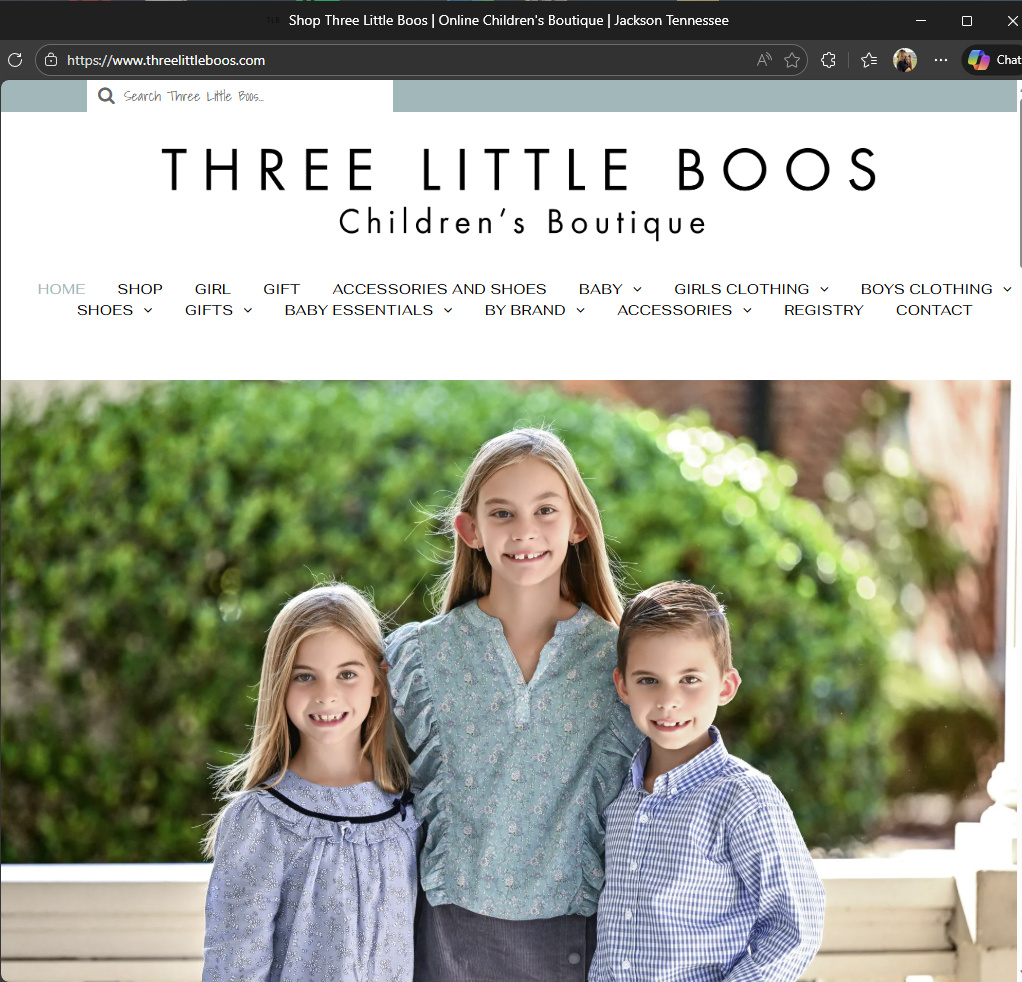
- Visit threelittleboos.com
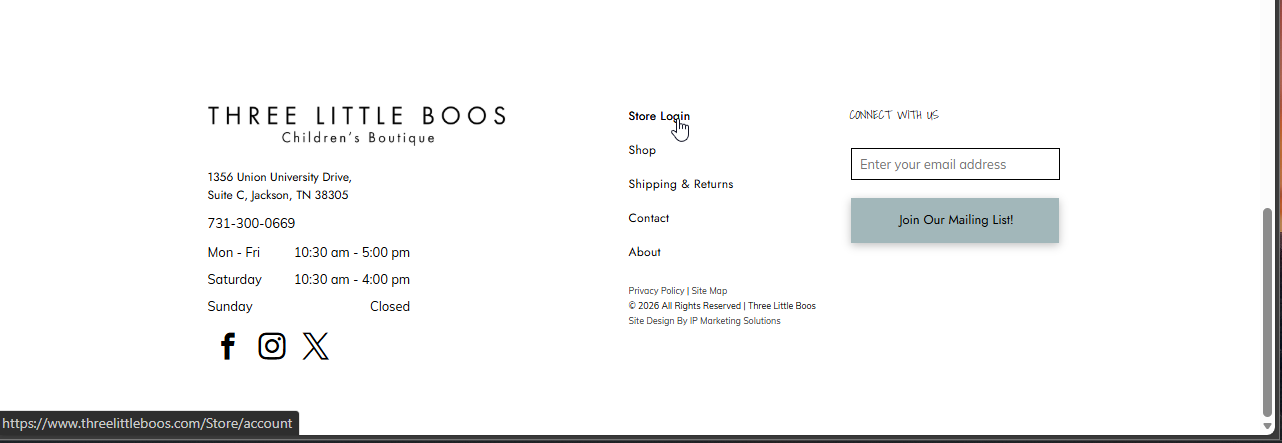
- Scroll to the bottom click Store Login
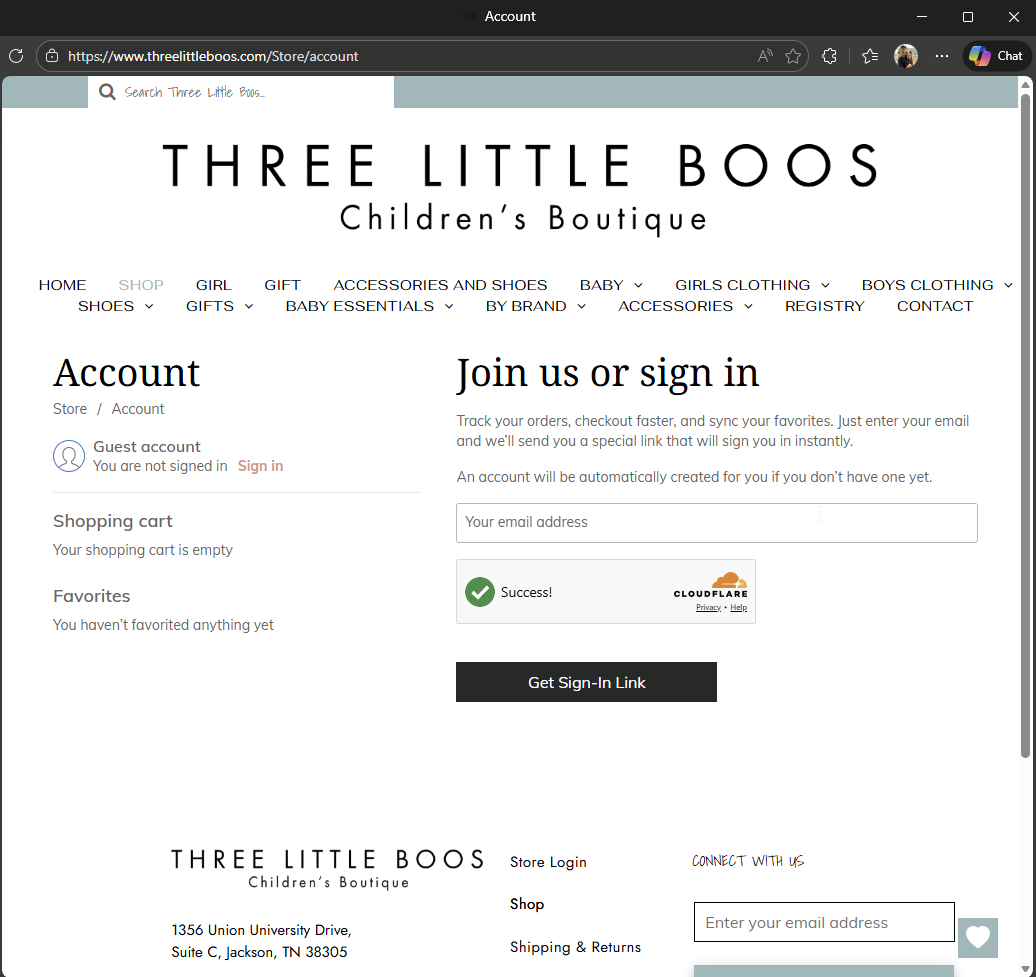
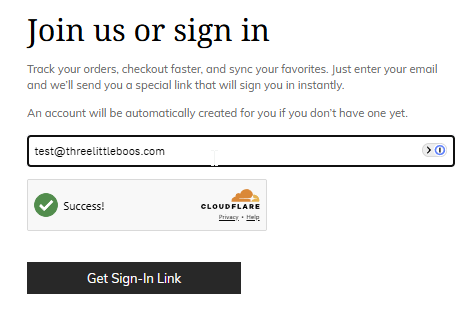
- Type your email in to create an account
- Check Security Box
- Click Get Sign-In Link
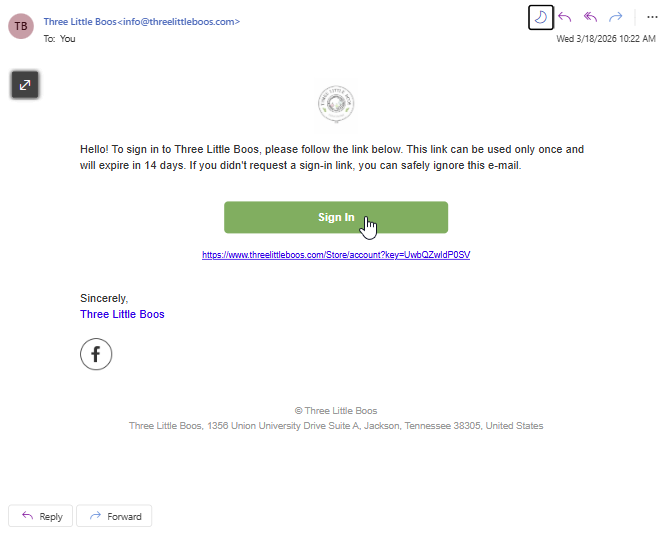
- Check your email for sign-in link
- Click Sign-In button in your email
Create Your Wish List
- Start Shopping!
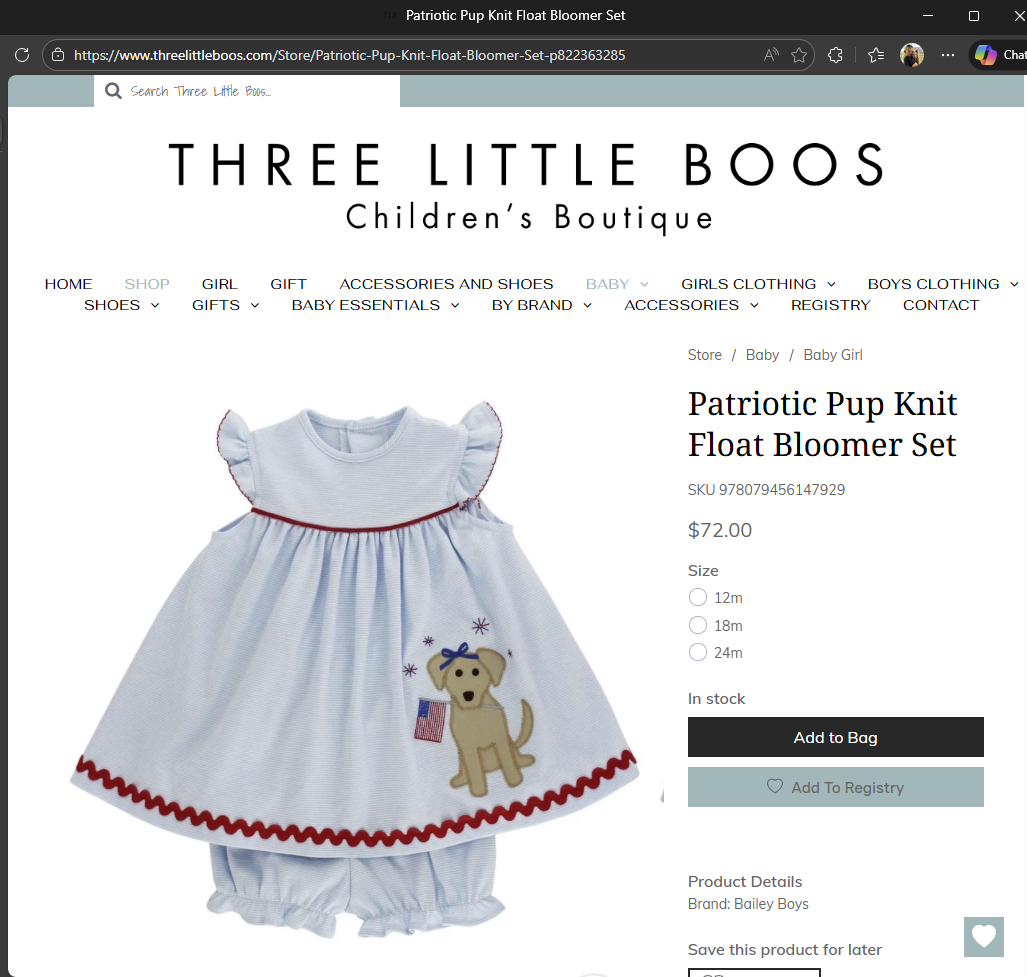
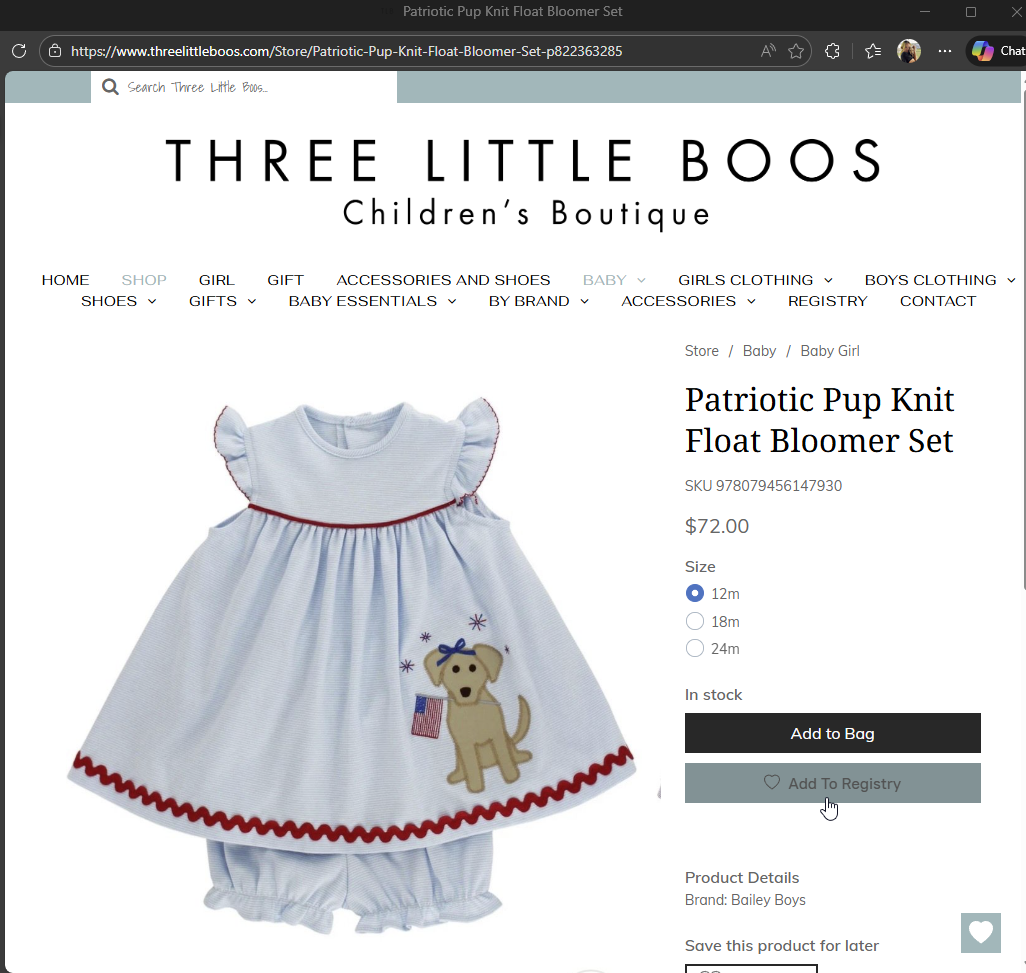
- Visit the product you want to add to your registry
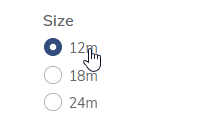
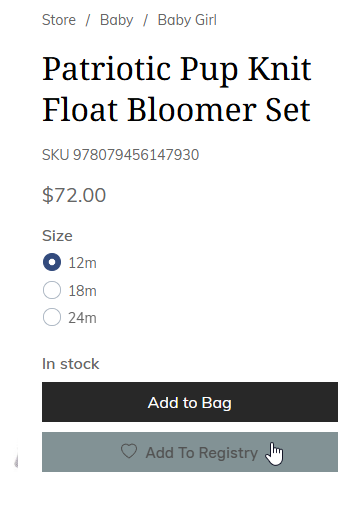
- Check the correct size if applicable
- Click Add To Registry
- You will then see a heart in the bottom right of your screen with a number to show the number of products in your registry.
Share Your Registry
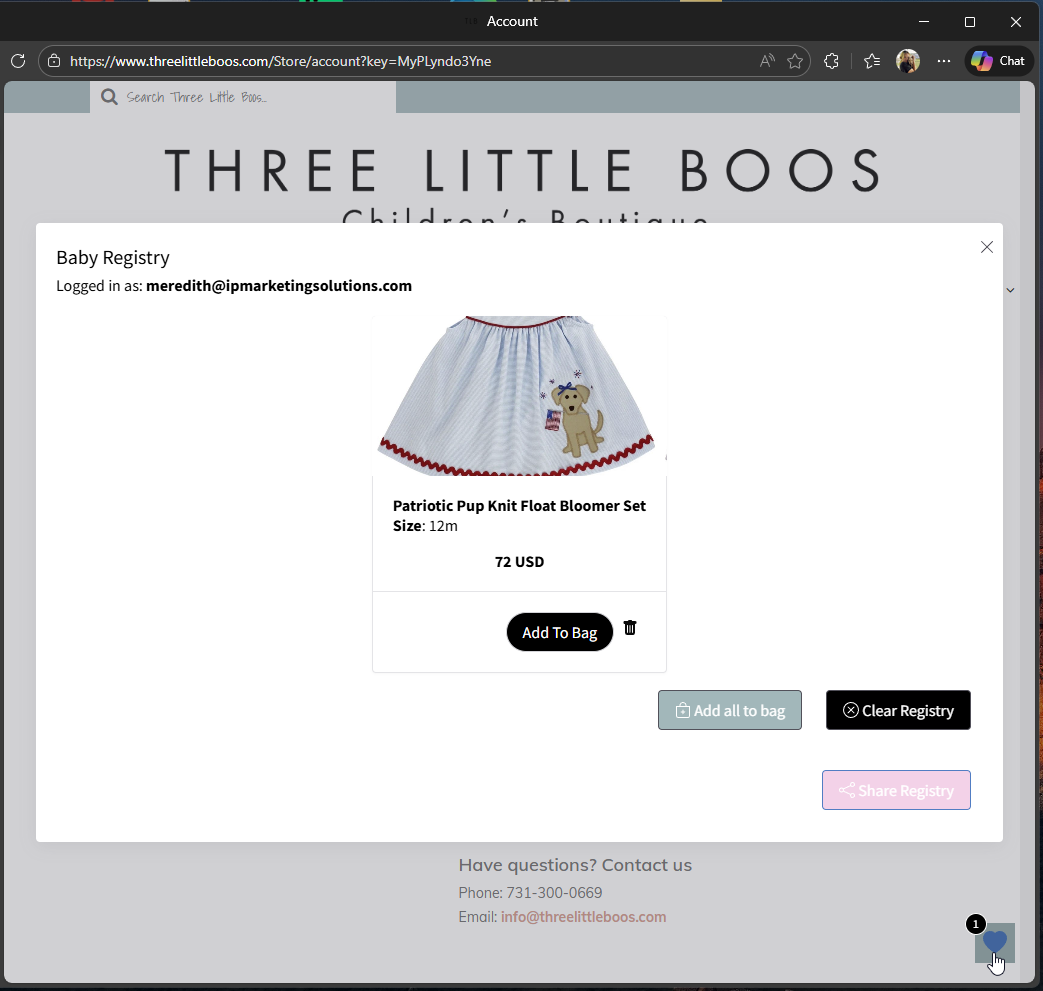
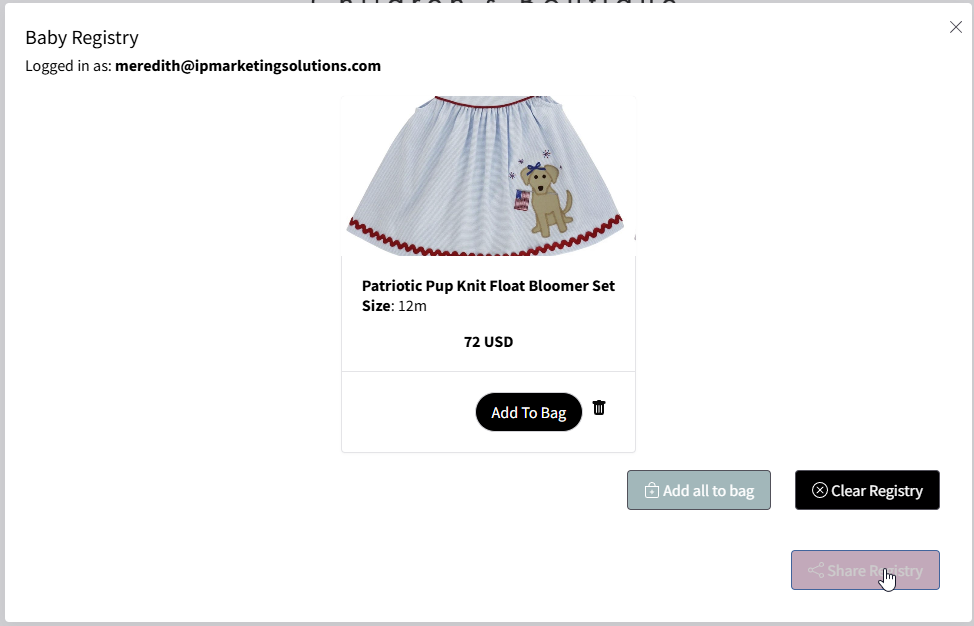
- Open your wish list by clicking the heart in the bottom right corner
- Your registry will open up
- Click Share Registry at the bottom
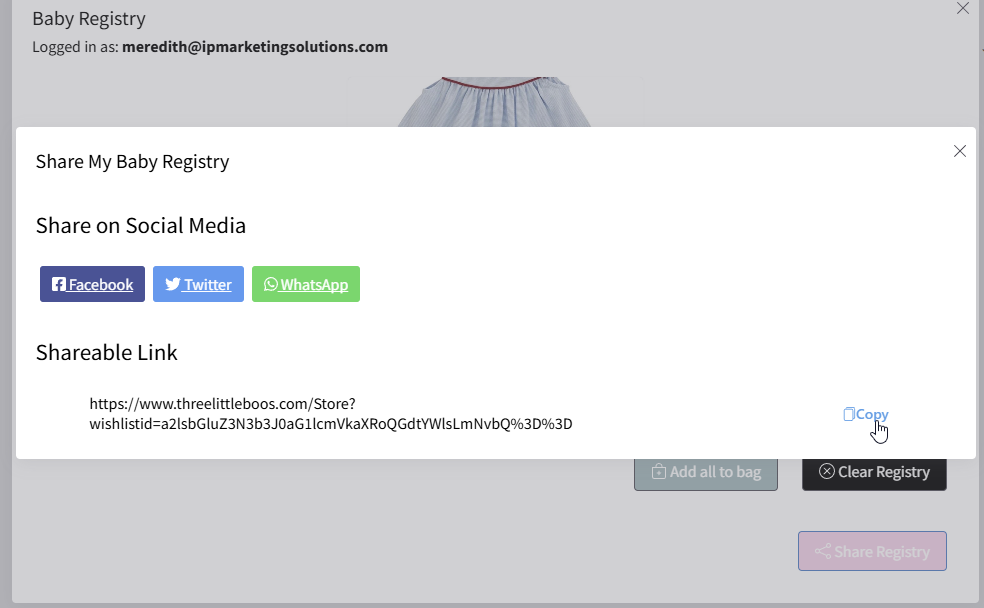
- A window will appear to give you options to share the registry
- Copy the Shareable Link
- Send this link to your family and friends

Baby Registry FAQs
How do I create a registry?
Click “Start Your Registry” at the top of the page and create a quick account. Once you're logged in, you can start adding items to your wishlist by tapping the heart on any product.
How do I add items to my registry?
Browse the shop and click the 🤍 (heart) on any item you love. That will add it directly to your registry.
How do I view my registry?
Log into your account and open your wishlist to see all the items you’ve added.
How do I share my registry with friends and family?
Once you’ve added items, open your wishlist and click the share button to copy your personal link. You can send this link to friends and family so they can shop your registry.
Do my friends and family need an account to view my registry?
Yes—guests may be asked to create a quick account or log in to view and purchase from your registry.
How will I know if someone purchased an item?
As items are purchased, your registry will update so you can keep track of what’s been bought.
Can someone buy items in-store instead of online?
Yes! If someone prefers to shop in-store, they can let us know your name and we’ll help them find items from your registry.
Can I remove items from my registry?
Yes—just log into your account, open your wishlist, and remove any items you no longer want.
Can I add more items later?
Of course! You can update your registry anytime by adding or removing items after logging into your account.
Why does it ask me to create an account?
Creating an account allows you to save your registry, share it, and keep track of purchases.
Still have a question?
Fill out the form below and we will be happy to help!
